

Table of content
Choose how the app tells you about finished jobs and which emails you get in Settings > Notifications. Each switch saves as soon as you click it.
Before you begin
- Every member sets their own notifications. Nobody else's change affects yours.
- Your choices apply to the workspace you are in, except Onboarding tips, which applies to all your workspaces. Switch workspace to set the others.
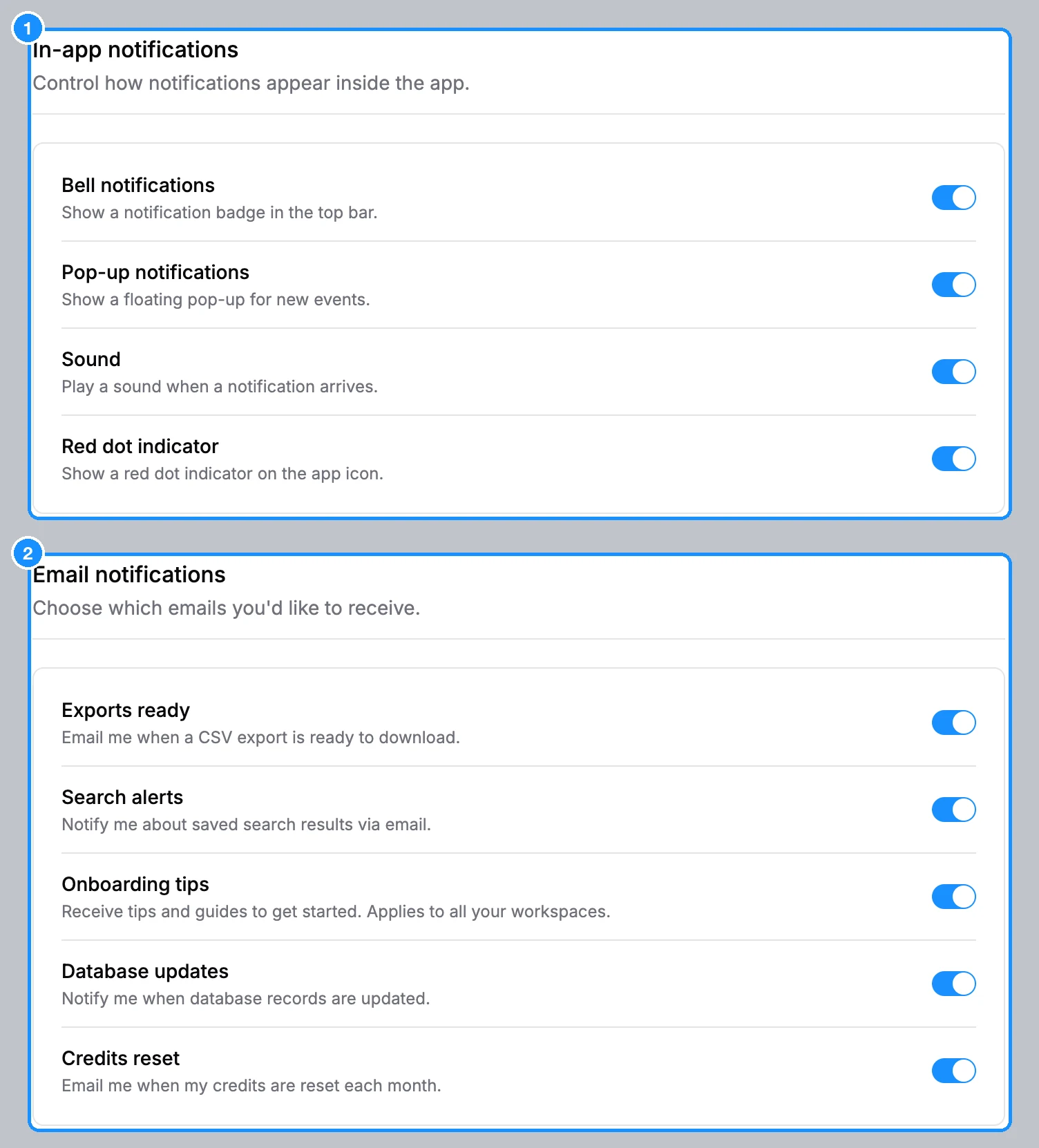
In-app notifications
| Bell notifications | Shows the bell in the top bar, with the list of your notifications (exports, enrichments, bulk jobs, team invitations). Off hides the bell. |
| Pop-up notifications | Shows a pop-up message when an event arrives, often with a button such as a download link. Off keeps events in the bell only. |
| Red dot indicator | Shows a red dot on the bell while you have unread notifications. |
Email notifications
| Exports ready | Emails you when an export, a file enrichment or a bulk verification finishes and the file was not downloaded in the app, for example because you closed the tab. The email links to the page where you can download it. |
| Search alerts | Whether we may email you about your saved searches. Turn it off to stop these emails. |
| Onboarding tips | Tips and guides for getting started. Applies to all your workspaces. |
| Database updates | Whether we may email you news about database updates. Turn it off to stop these emails. |
| Credits reset | Emails you when the workspace's credits renew for a new period. |
Account emails, such as sign-up codes, password resets and team invitations, are always sent. They have no switch.