

Table of content
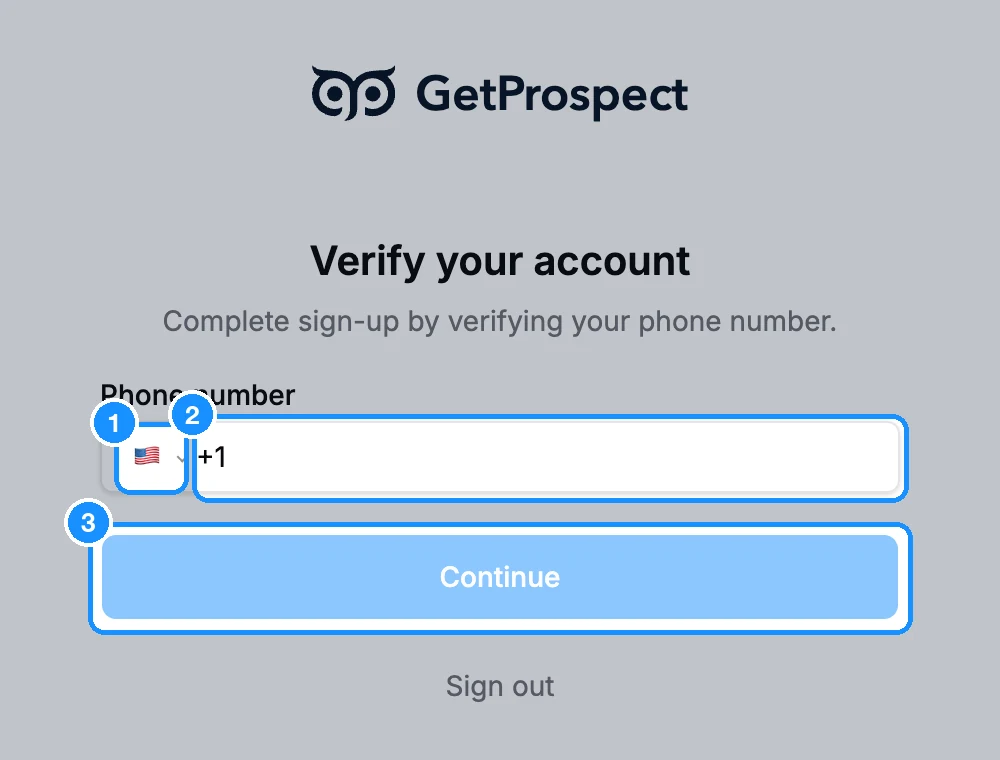
Some new accounts are asked to verify a mobile number before they can start. If you can't receive SMS, contact support. The Verify your account page appears right after you confirm your email. Below are the steps, then every message you may see and what to do about it.
This sign-up page is different from the Verify your account dialog some workspaces see before their first purchase; for that one, see Why we review some accounts before the first purchase.
Verify your number
Pick your country from the flag list and type your mobile number.
Click Continue. We send a 4-digit code by SMS.
On Verify phone number, type the code in Verification code and click Confirm.
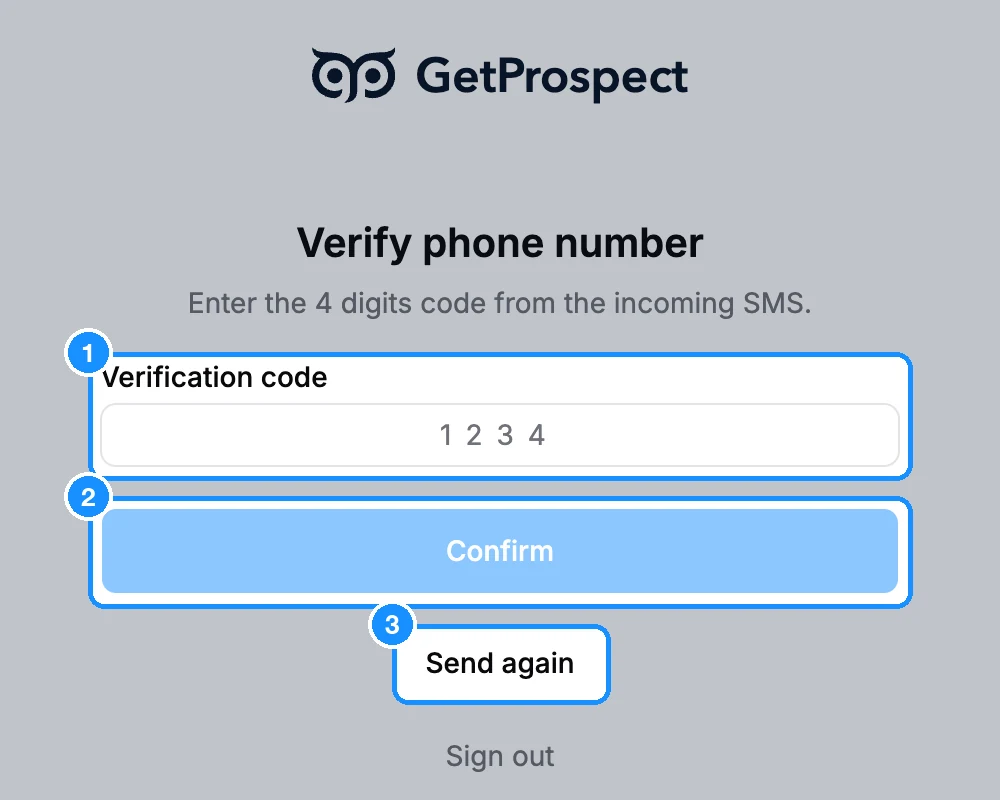
No SMS after a minute? Click Send again (it unlocks shortly after each send). Check that the number and country code are right.
Messages you may see
| "Invalid phone number" | The number does not match the country you picked. Check the flag and type the full number. |
| "Phone is invalid" | We could not send an SMS to this number. Check it, or use another mobile number that receives SMS. |
| "Phone numbers from this country is not accepted" | Phone numbers from this country can't be used for verification. Contact support. |
| "This phone is taken" | The number is already on another GetProspect account. Sign in to that account, or contact support. |
| "The maximum number of phone entry attempts has been reached. Try an attempt two hours later" | Wait a while, then try again later with the number typed carefully. |
| "Too many phone verification attempts. Please try again later." | Wait a while, then try again later. |
| "Code is invalid" | Type the code from the newest SMS. If you clicked Send again, the older code no longer works. |
| "Number of attempts exhausted, try to recall" | Too many wrong codes for this SMS. Click Send again for a new code. |
| "Service isn't available, try later" | The SMS service is briefly down. Try again in a few minutes. |
Messages before the phone step
These appear when you click Create account, before any phone check.
| "Sign-up failed" | Try again from your usual network and browser. If it repeats, contact support. |
| "We could not verify your browser. Please refresh the page and try again." | Reload the page. If it repeats, try another browser. |
| "Too many sign-up attempts. Please try again later." | Wait, then try once more later in the day. |
Still stuck?
Write to or use the chat on getprospect.com. Tell us the email you signed up with and the exact message you see. To leave the page, click Sign out.