

Table of content
GetProspect takes card payments through Stripe. You manage your card, company details and where invoices go in Settings > Billing.
Before you begin
- Only the workspace admin can see and change billing.
- We accept cards only. PayPal and crypto are not available.
Steps
Add or change your card
Open Settings > Billing.
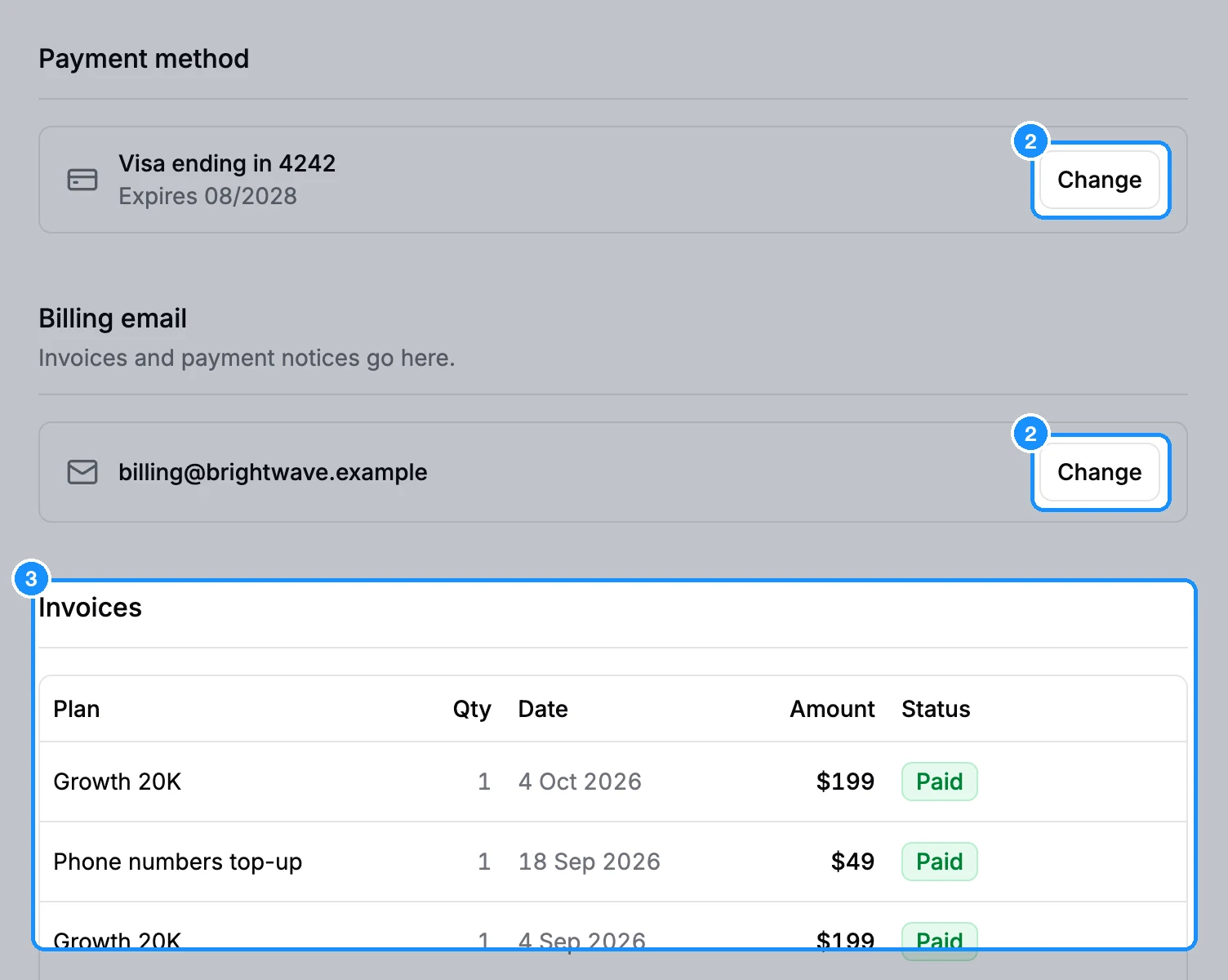
Under Payment method, click Add card, or Change next to your current card.
The Stripe billing portal opens in a new tab. Add, remove or pick your default card there.
Your first payment also saves your card. When you pay with no card on file, you enter it on Stripe's checkout page. During checkout you can also click Use a different card.
Add company details and a tax ID
On your first payment, Stripe's checkout page asks for your billing address and lets you add your company's tax ID (VAT, GST). To change them later, open the Stripe billing portal from Payment method > Change. New details appear on future invoices.
Send invoices to another email
- In Settings > Billing, find Billing email ("Invoices and payment notices go here.").
- Click Change, type the address and click Save.
Leave the field empty to use your account email.
Older subscriptions billed through FastSpring
If your subscription started before the move to Stripe, it may still be billed through FastSpring. Settings > Subscription then shows "Your subscription is billed through FastSpring" with Manage billing, which opens your FastSpring account for cards and receipts. To switch to Stripe, see Move your subscription from FastSpring to Stripe.
FAQ
Can I pay with PayPal or crypto?
No. Card only, through Stripe.
Can I remove my card after paying?
Yes, in the Stripe billing portal. Add a card again before your next renewal, or the payment will fail.
Can I pay by invoice or bank transfer?
For a custom plan, click Contact us on the Plans page.